Reading
Graded passages with furigana and romaji.
1 min read
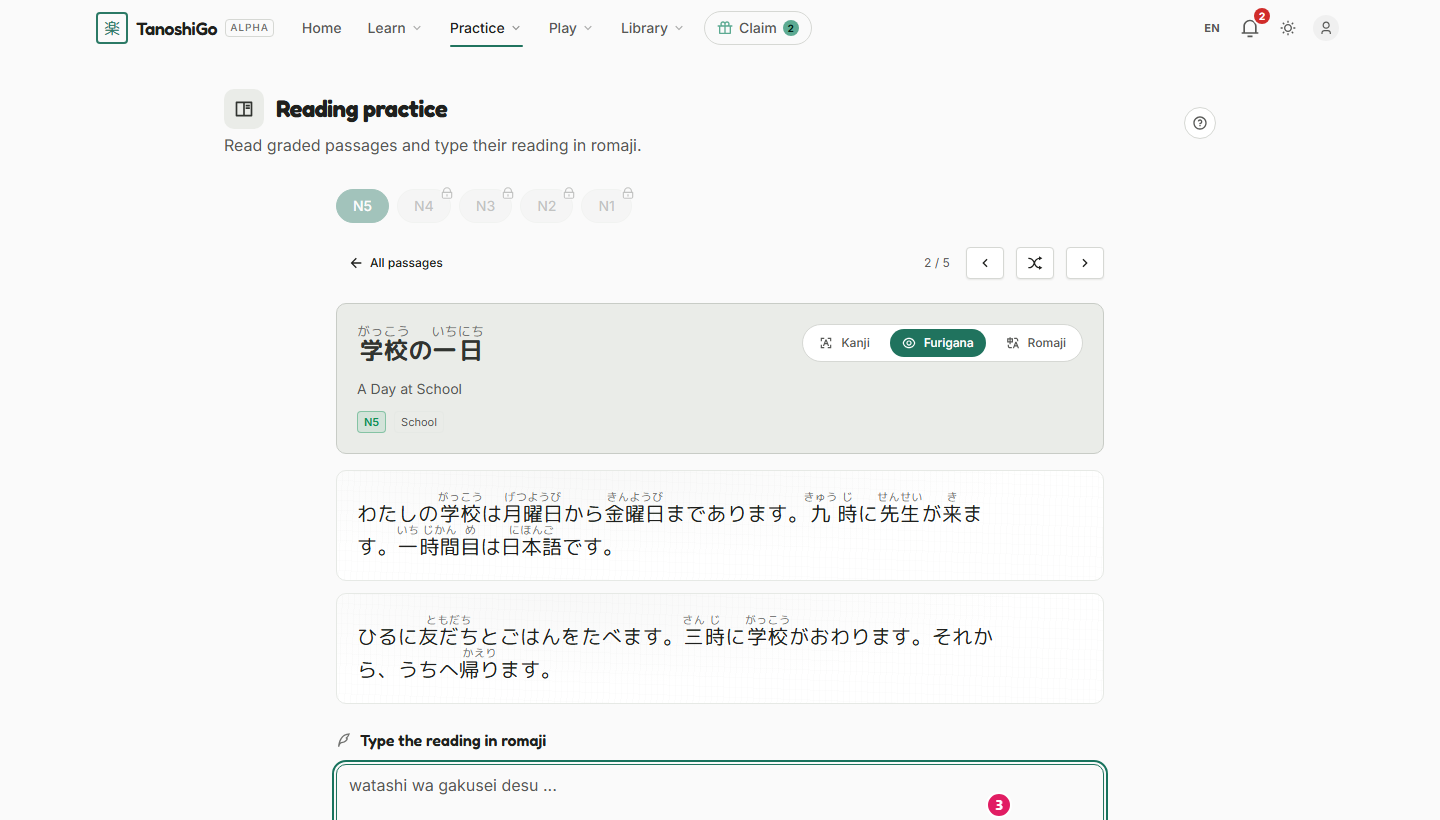
Reading gives you short, graded passages so you practice real Japanese in context.
Each passage matches one level. Read it, check your understanding, and the app keeps track of what you've opened.
Read it your way
Switch between kanji, furigana and romaji any time. Start with the help you need and drop it as you improve.
Free opens the first 5 passages per level. Plus and up open them all.
- Open Reading, pick a level, and choose a passage.
- Switch between Kanji, Furigana, and Romaji as you need.
- Type the reading in romaji, then click Check.
Was this helpful?