Create an account and sign in
Google, Discord, GitHub, or email.
1 min read
Signing up is quick and free. Pick whichever way is easiest for you.
- Sign in with Google, the fastest option.
- Or use Discord or GitHub.
- Or make an account with an email and password.
Signing in with Google, Discord, or GitHub verifies your email automatically. With email and password you get a separate verification link.
You can link several sign-in methods to one account. The last one can't be unlinked, so you can't lock yourself out.
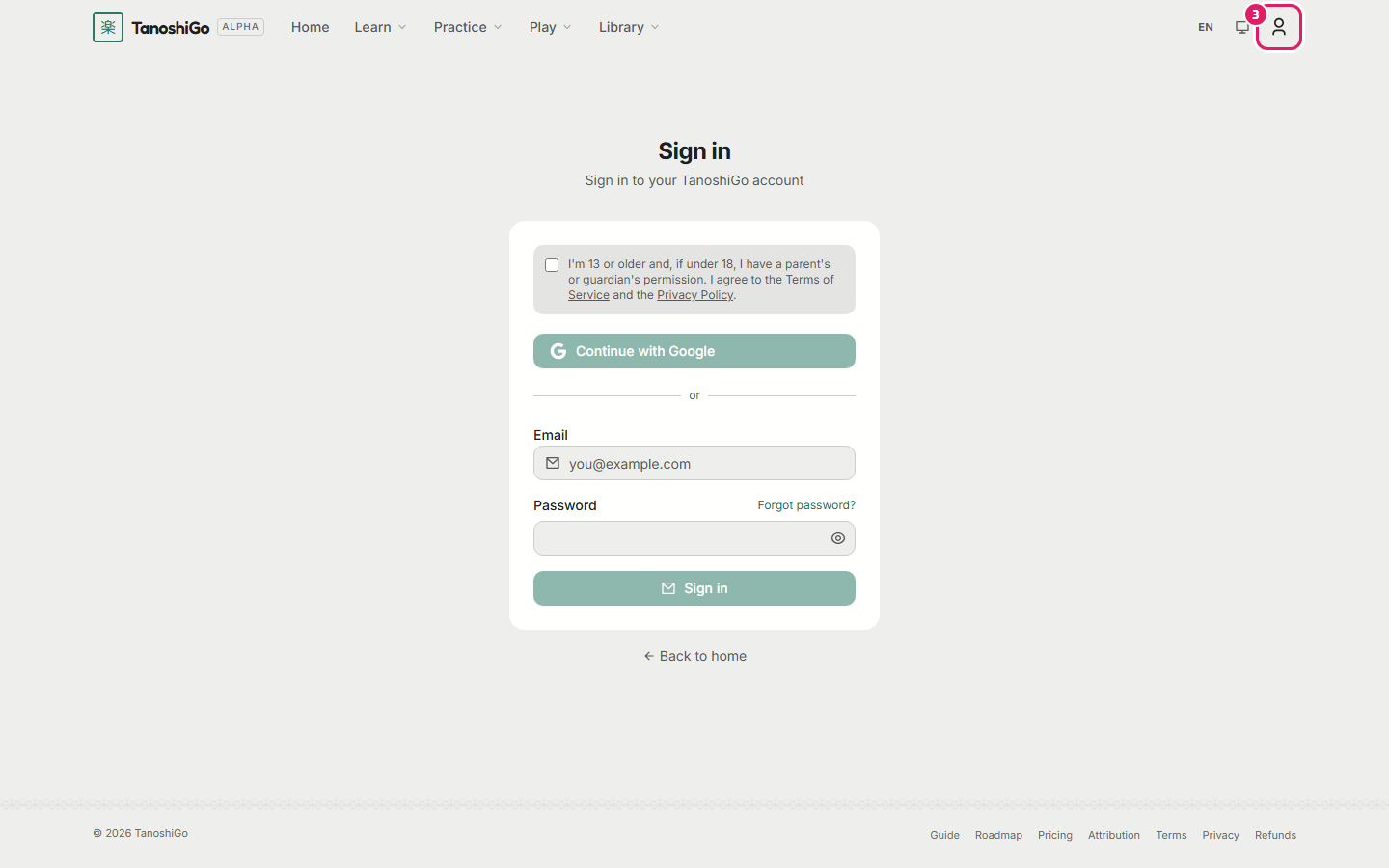
- Open TanoshiGo and click the profile icon at the top right, or Sign in.
- Choose Google or Discord, or fill in your email and password.
- Tick the agreement, then click Sign in.
Was this helpful?